Skip to content
SFM Compile
  • Compile Models
  • Render & Export
  • Errors & Fixes
  • Blog
  • Contact
  • Read the guide
  • Toggle light and dark mode

SFM Compile Editorial Team

How to Render SFM to MP4: Image Sequences to Video With FFmpeg

November 15, 2026October 7, 2026 by SFM Compile Editorial Team
Diagram of the SFM to MP4 workflow: image sequence frames, FFmpeg encode, MP4 video

Export an SFM image sequence, then turn it into a clean, YouTube-ready MP4 with one FFmpeg command on Windows.

Categories Render & Export, Tools Leave a comment

Best SFM Render Settings for Maximum Quality

October 29, 2026October 6, 2026 by SFM Compile Editorial Team
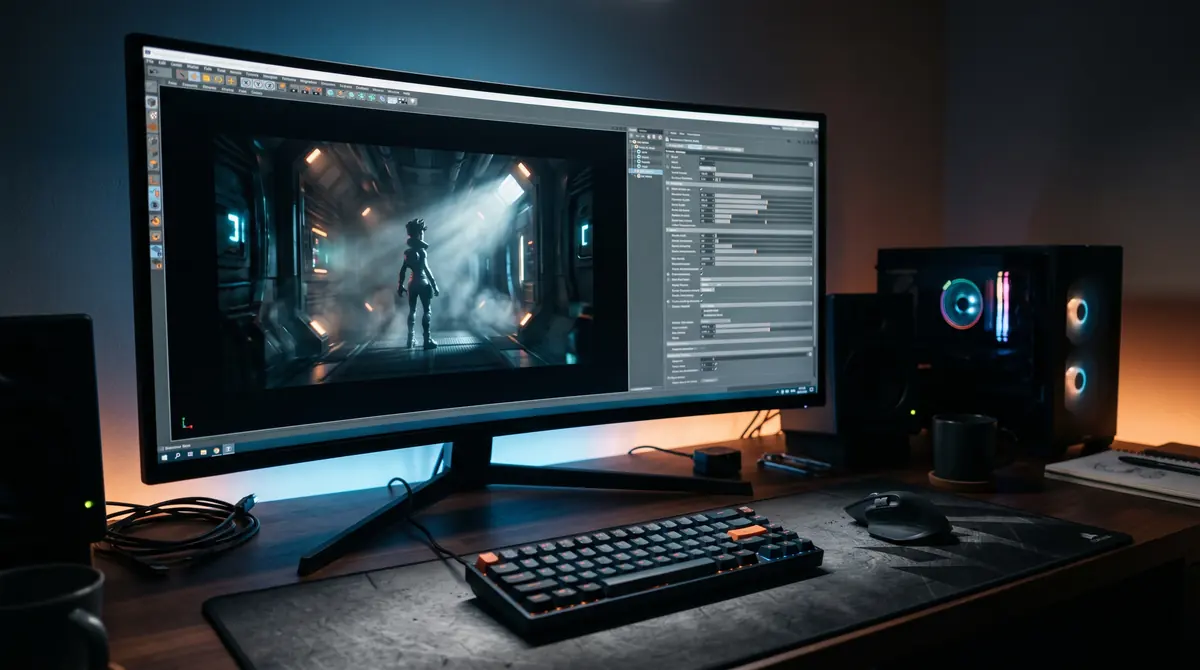
Animation workstation monitor showing a cinematic 3D render of a character in a sci-fi corridor

The best Source Filmmaker render settings for maximum quality: resolution, image sequences, frame rate, depth of field and motion blur samples, and fixes for common render problems.

Categories Render & Export Leave a comment

SFM Camera Tips: Depth of Field, Motion Blur and Cinematic Shots

October 29, 2026October 5, 2026 by SFM Compile Editorial Team
Diagram of an SFM scene camera with focal distance on a sharp subject and blurred foreground and background

SFM camera tips for cinematic shots: scene vs work camera, field of view, framing, depth of field, rack focus, motion blur and smooth camera moves.

Categories Render & Export Leave a comment

SFM Lighting Guide: Shadows, Volumetrics and Three-Point Setups

October 29, 2026October 4, 2026 by SFM Compile Editorial Team
SFM Lighting Guide illustration of a 3D robot with warm key lighting, a blue rim light, and atmospheric light beams.

Learn how Source Filmmaker lights work, which sliders matter, how to beat the eight shadowed light limit, smooth volumetric god rays and build key, fill and rim setups.

Categories Tools Leave a comment

Blender to SFM: How to Port Models With Blender Source Tools

November 15, 2026October 3, 2026 by SFM Compile Editorial Team
Blender 4.3 interface with a mesh in Edit Mode and a material assigned, ready to export to SFM

Port a Blender model to Source Filmmaker: install Blender Source Tools, prepare the mesh and armature, export SMD or DMX, write the QC, make VTF and VMT textures, then compile with Crowbar.
Categories Compile Models Leave a comment

Steam Workshop SFM Models: How to Import Them Step by Step

November 15, 2026October 2, 2026 by SFM Compile Editorial Team
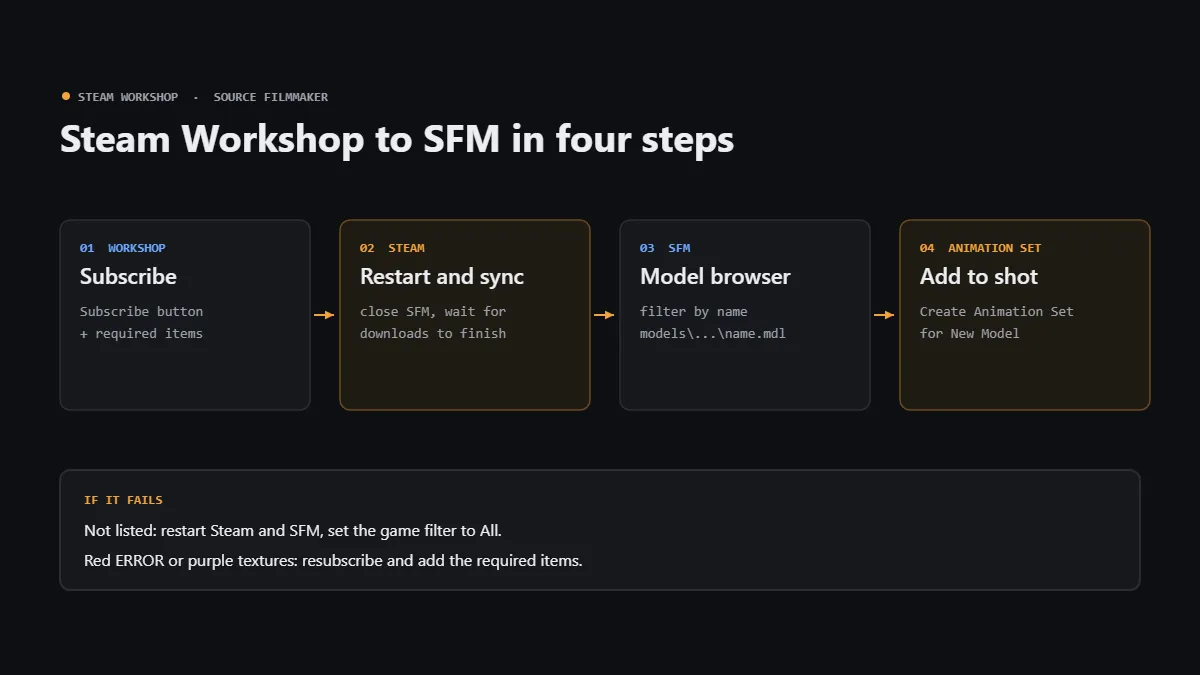
Diagram of the four steps to import a Steam Workshop model into SFM: subscribe, sync, model browser, add to shot

Learn how to import Steam Workshop models into SFM: subscribe, sync, add with Create Animation Set, fix ERROR and purple textures, and set search paths.

Categories Tools

Crowbar Tutorial: How to Decompile and Recompile SFM Models Step by Step

November 15, 2026October 1, 2026 by SFM Compile Editorial Team
Diagram of the Crowbar decompile and recompile loop for SFM models

Crowbar decompile SFM guide: set up studiomdl, turn MDL into QC and SMD, edit, recompile to usermod, and fix purple textures.
Categories Compile Models Leave a comment

How to Install Source Filmmaker on Windows 10 and 11: Complete Setup Guide

November 15, 2026September 30, 2026 by SFM Compile Editorial Team
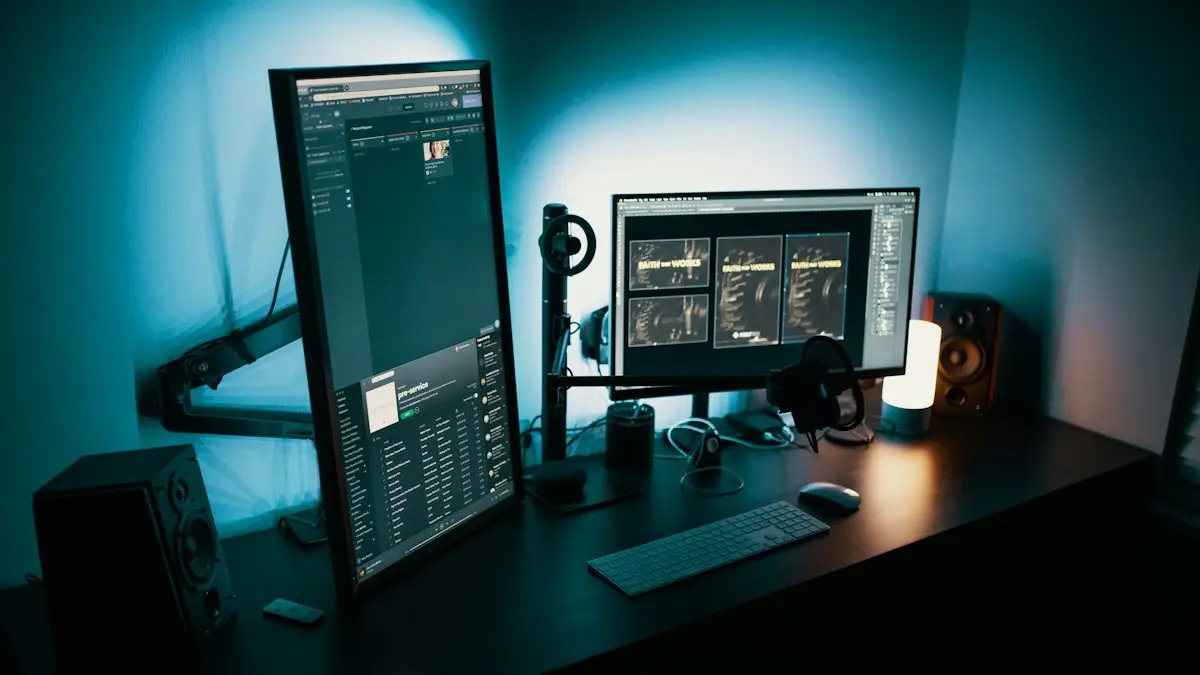
Dark desktop PC setup with two monitors ready to install Source Filmmaker

Install Source Filmmaker on Windows 10 or 11 in about 15 minutes: system requirements, step-by-step Steam install, best Windows 11 settings and fixes for common launch errors.

Categories Tools Leave a comment
Newer posts
← Previous Page1 … Page3 Page4
SFM Compile

Free, safe-for-work guides to compiling models and renders in Source Filmmaker.

GuidesCompile ModelsRender & ExportErrors & Fixes
SiteBlogContact usAbout
LegalPrivacy PolicyTerms & ConditionsDisclaimerEditorial Policy
© 2026 SFM Compile (asfmcompile.com). Independent resource, not affiliated with Valve Corporation. Source Filmmaker is a trademark of Valve Corporation.
© 2026 SFM Compile • Built with GeneratePress